
How to catalog your collection with Curiosa
Create a searchable collection catalog for art, antiques and collectibles. Add photographs, review the suggested identification, then organize each object’s details and your own notes in your digital cabinet.
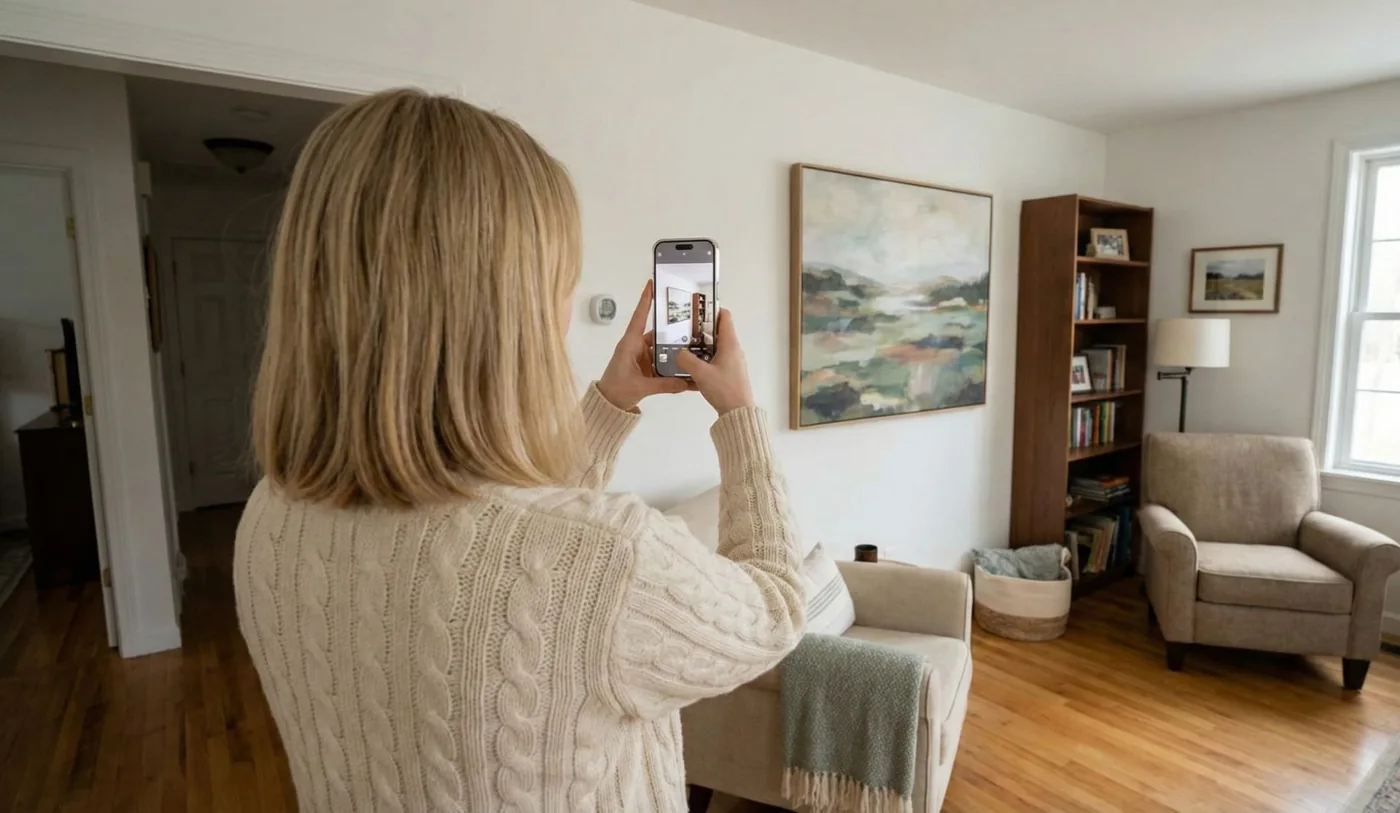
Start with an object
Take a photograph or choose one from your library. Add up to three views: the whole object, its marks and an important detail. Include what you already know, such as dimensions, condition or an edition number.
You do not need to catalog everything at once. Start with a few pieces you want to keep track of.
See the photography guide ↗Make the record useful
Curiosa uses your photographs and context to suggest an identification and description. Review the details, then add your own collector notes: a date, a story or a question you still want to resolve.
Use the suggested maker as a lead. For an inherited painting, a gallery label on the back or a family receipt can help you check the attribution.
Find it again
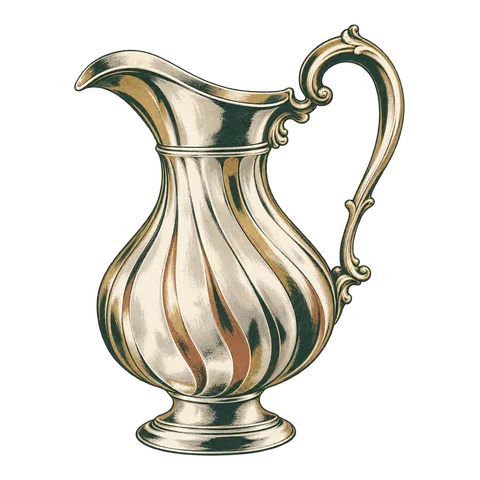
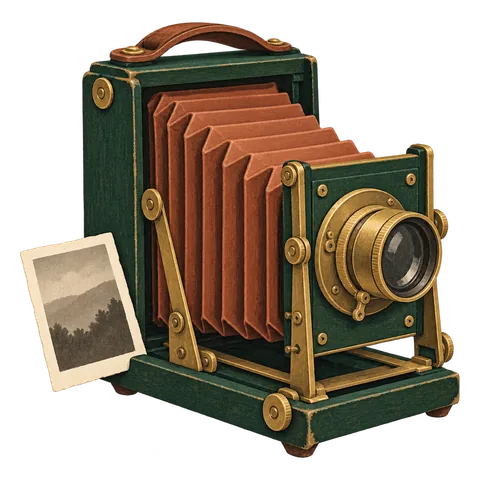
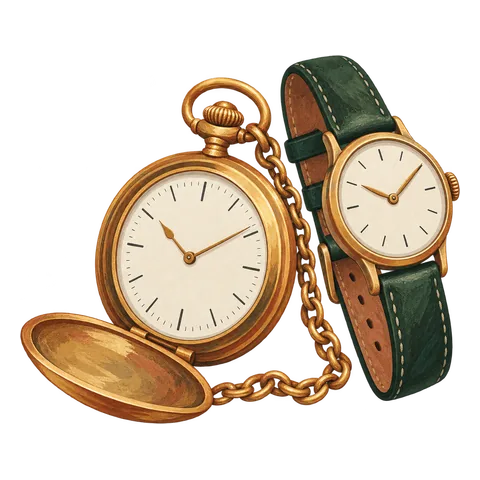
Your cabinet brings the objects together in a visual catalog. Search by name, filter by category and open a record to revisit its photographs and details. Add to your notes as you learn more.
Visitors can browse a public cabinet. Check its visibility before adding photographs of a family collection.
An inventory for everyday life
Your collection is more than its estimated value. Keep photographs and descriptions together so you can check what you own, organise your records or prepare information for your insurer.
Keep receipts and any professional valuations with your personal paperwork. Your insurer decides which documents it needs; a Curiosa estimate is not a certified insurance valuation.
Documenting a collection for insurance ↗Questions about your collection archive
Can I use my collection records for insurance?
Your photographs and object descriptions can help you prepare an inventory for your insurer. Ask which records, receipts and professional valuations it requires. Curiosa’s estimated values are not certified insurance valuations.
Can one cabinet hold different collections?
Yes. Art, antiques, trading cards and other collectibles can sit in the same cabinet. Category filters help you browse a particular part of the collection, and you can search records by name.
Do I need to identify everything before adding it?
No. Start with photographs and what you know. Curiosa suggests an identification, but it may be wrong. Keep uncertain details marked as uncertain and use your collector notes to record what still needs checking.
Which photographs should I include?
Use one clear overall view, then photograph identifying marks and condition details. For a card, include both sides; for a painting, the signature and any labels on the back can be useful. Start a scan with up to three photographs.
Can I add more information later?
Yes. You can edit your collector notes on the object’s page. Add new findings, record a source or explain a detail that the suggested description missed. Notes on public records should not contain sensitive personal information.
Can I keep the archive private?
Cabinets start out public. Premium members can make a cabinet private in their profile. Someone who has a direct link to a photograph may still be able to open it.
Is Curiosa mainly a valuation tool?
Curiosa helps you catalog what you own. An AI-assisted price estimate gives you a starting point for research. It does not certify the value or authenticity of an object.
Give your first object a record.
Create an account with 10 free scans, then start with an object you know and love.